Create with AI prompts
Describe anything and generate unique images in seconds — no design skills required.
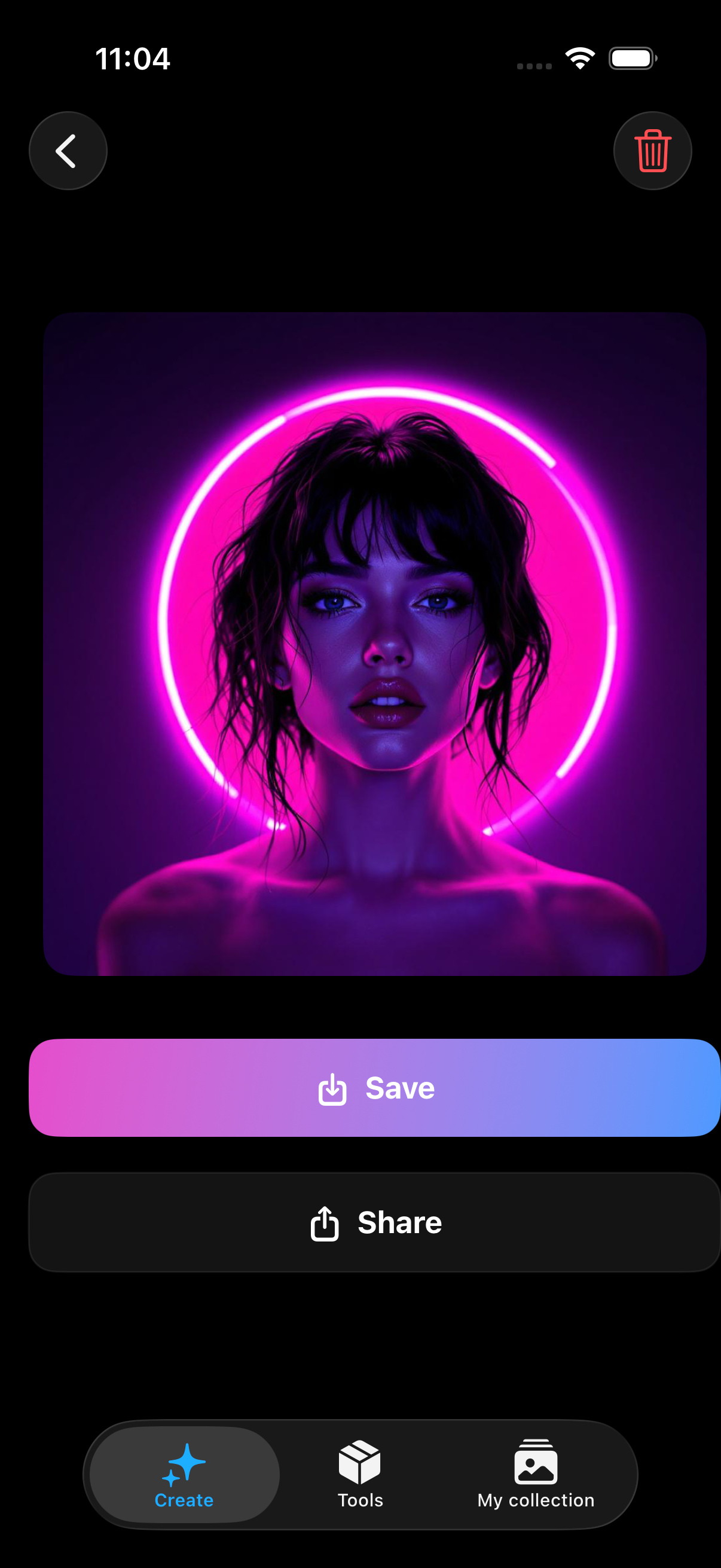
Create stunning AI photos from a prompt
Turn a text prompt or a photo into unique AI art — styles, restore, remove objects, and save results in one studio.

 Coming soon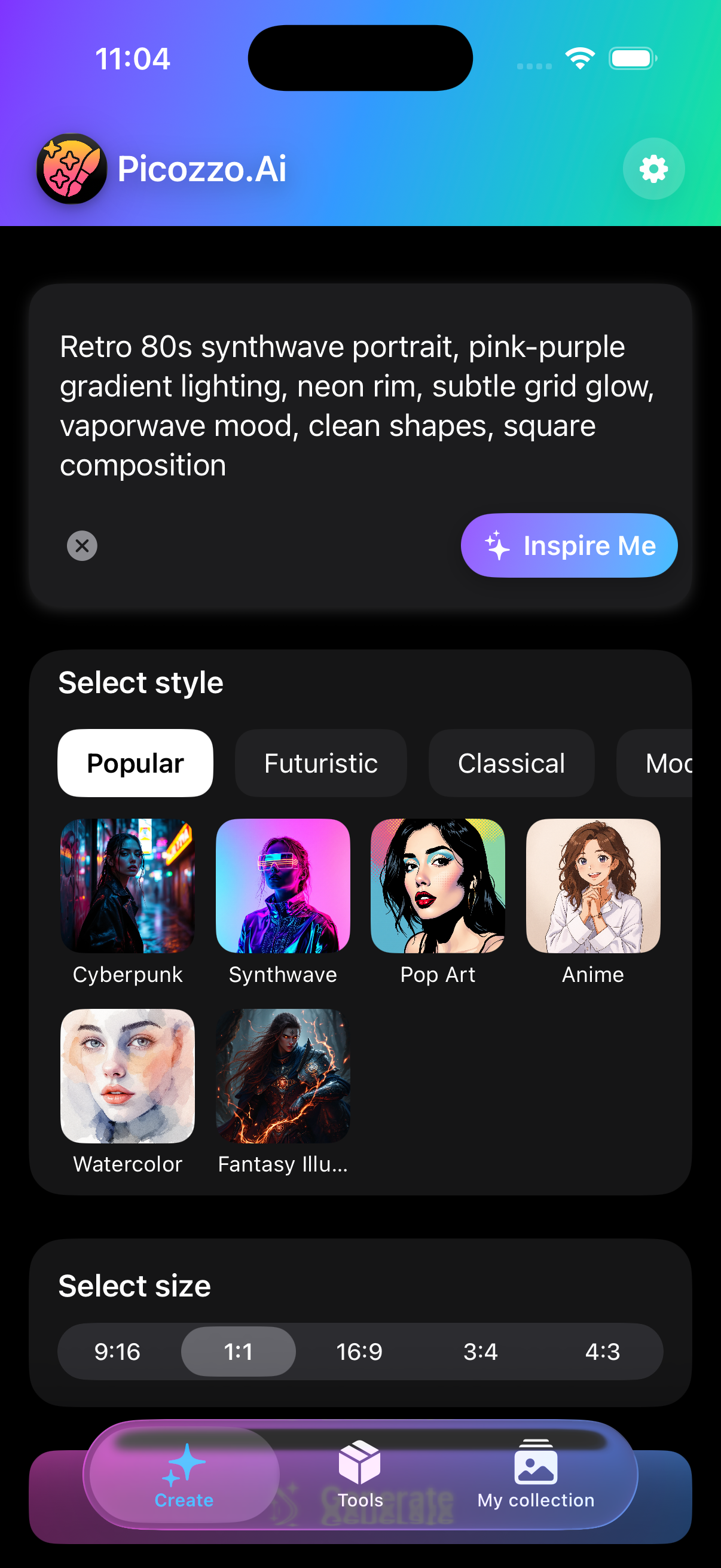
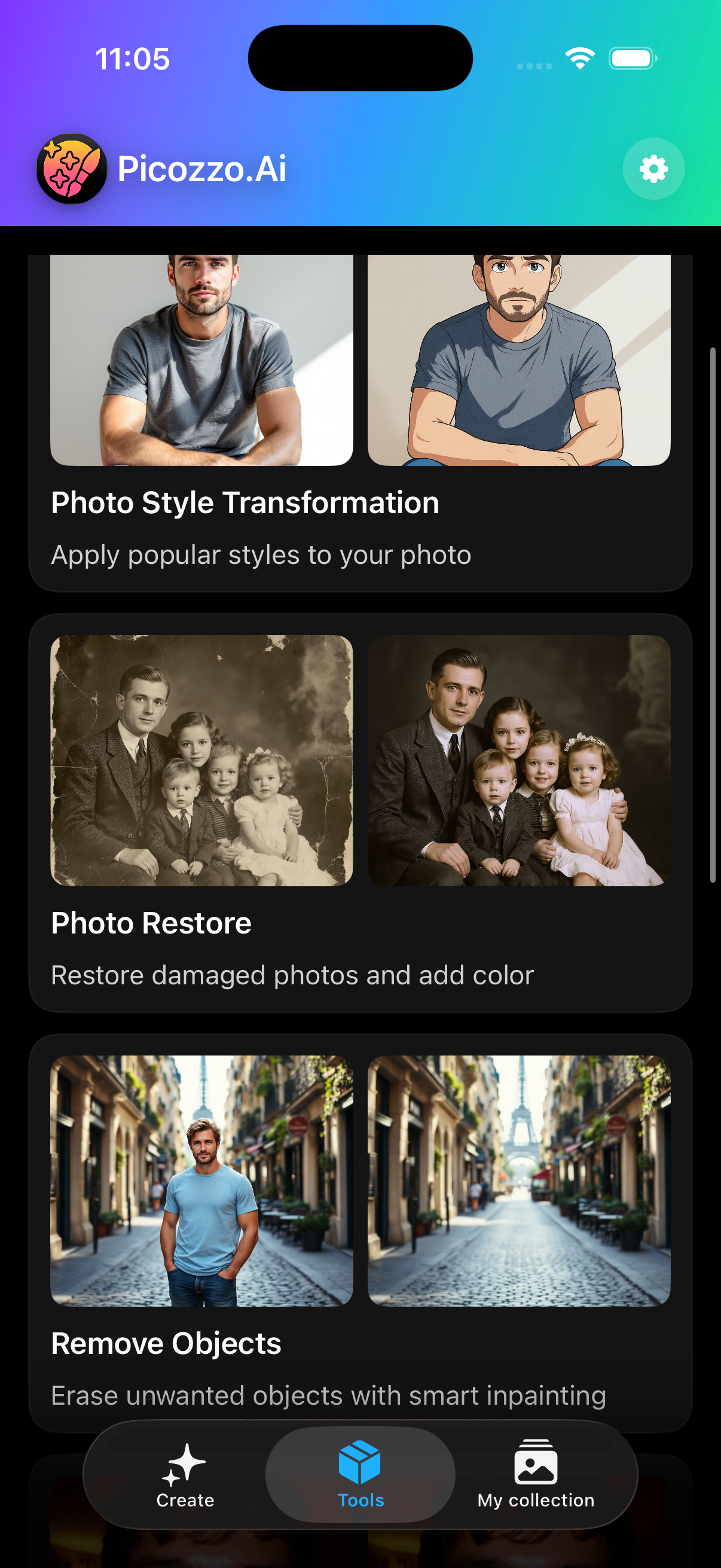
An AI image studio for prompts and photos — generate, style, restore, and share without a complicated workflow.
Describe anything and generate unique images in seconds — no design skills required.
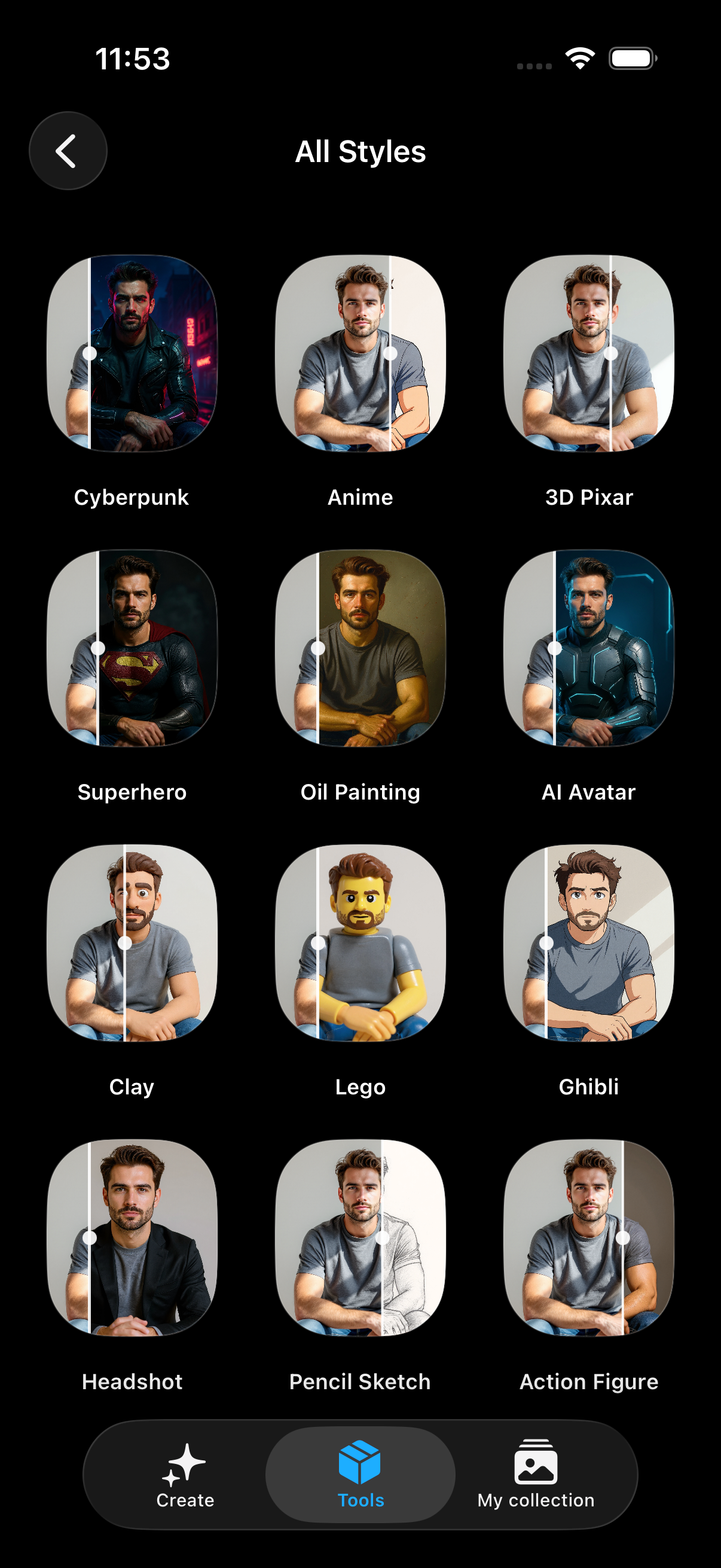
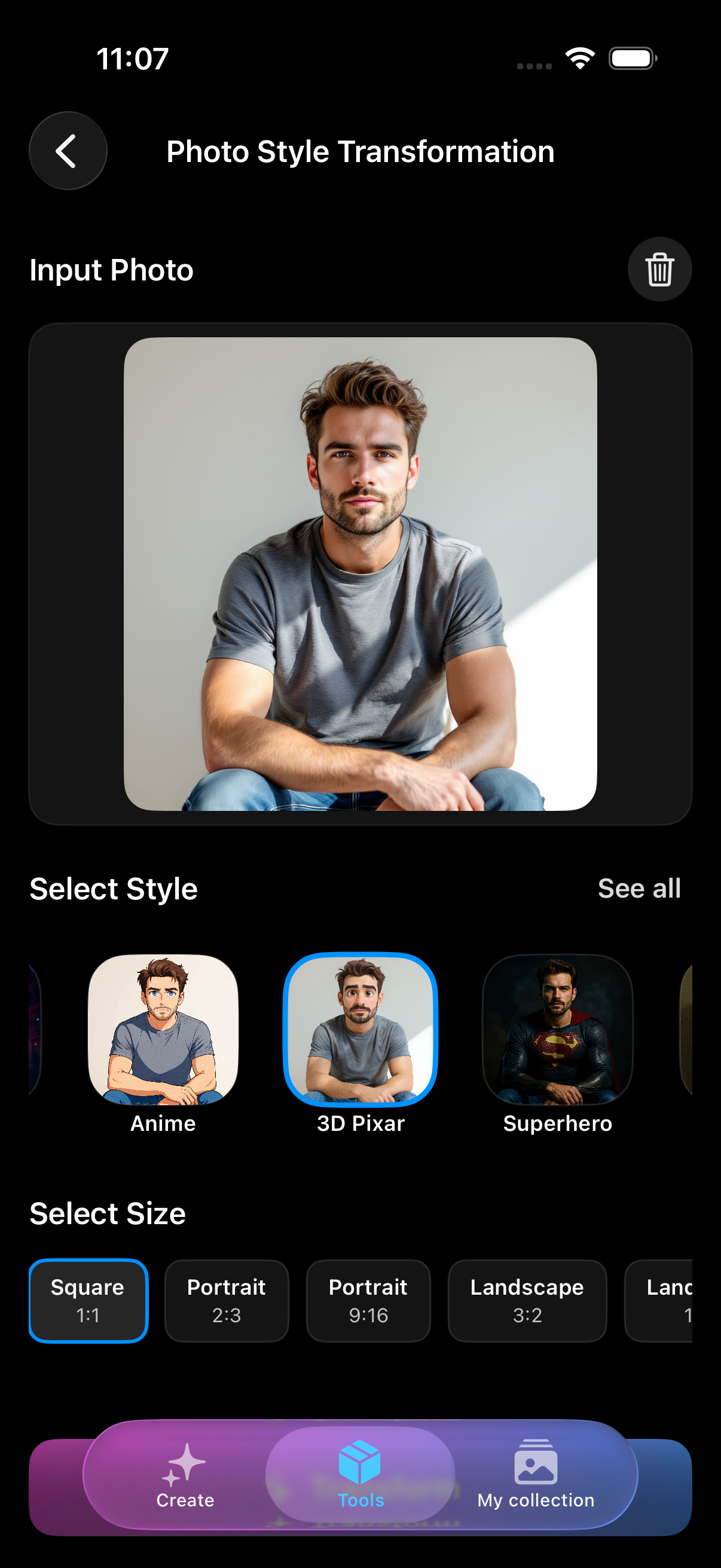
Transform your photo in one tap with cyberpunk, anime, fantasy, and dozens more looks.
Style, restore, enhance, and remove objects — powerful tools beside text-to-image.
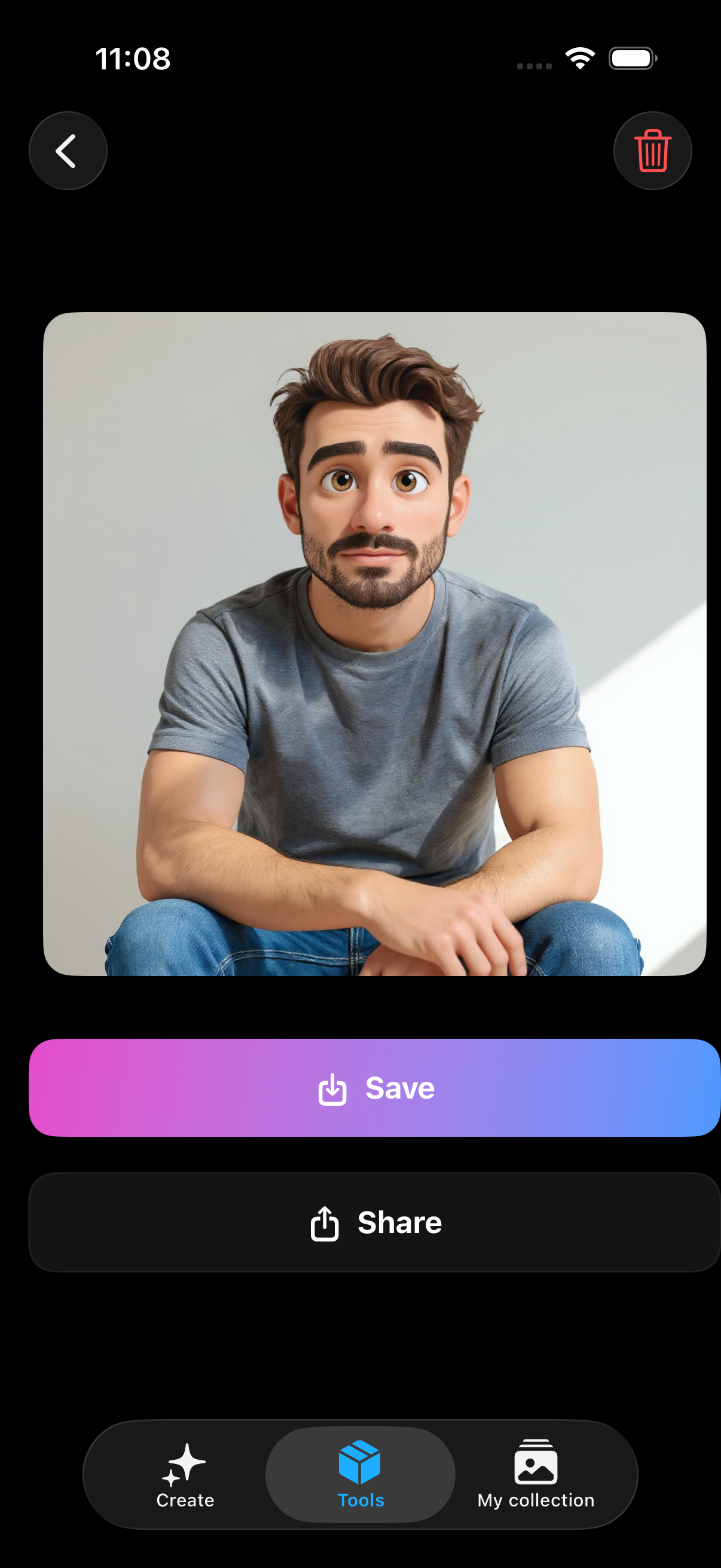
Turn a selfie into a stylized avatar or portrait ready for social and wallpapers.
Export high-quality results and post them instantly from your collection.
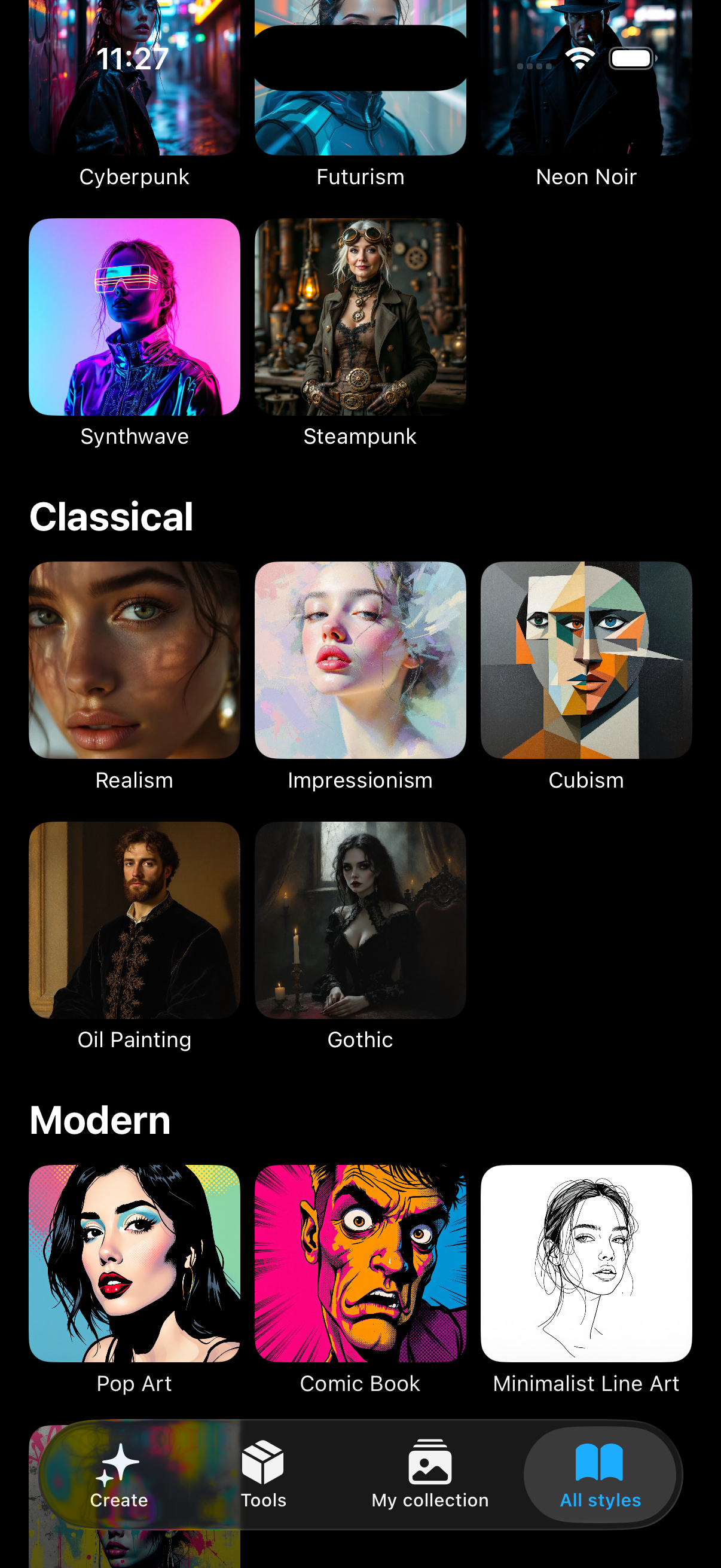
Browse curated styles and sizes so every generation fits your idea.
Write a prompt or pick a tool, choose a style, generate, then save or share from your collection.
Straight answers about prompts, photos, Premium, and restoring purchases.
Picozzo is an AI image studio. Generate pictures from a text prompt, then refine photos with style transfer, restore, upscale, object removal, and background tools.
Photos and prompts are sent only to generate the image you asked for. We do not sell your photos.
No. You can start generating without creating an account. Purchases restore through the App Store.
Yes. You can try a limited number of generations free. Premium unlocks higher limits, faster processing, and exclusive styles.
Follow the in-app terms and the AI provider’s licence. When unsure, treat results as personal use.
Open Settings in the app and tap Restore purchases.

Open Picozzo, describe an image or pick a photo tool, and turn ideas into visuals in seconds.
Coming soon